TRESSO
Publishing ProfileTRESSO
TRESSO
Tresso
Tresso
@tressohq.bsky.social
Pinterest account
Threads account
Weekly product tips
Tuesday 1:00 PM, Wednesday and Thursday 12:00 PM


Batch schedule finished videos across seven platforms from one desktop app.
14 days free. No credit card required.
Save your social accounts, captions and posting schedule in a Publishing Profile. Use one for yourself, or separate profiles for different businesses, brands or projects.
Example: two Publishing Profiles.
Weekly product tips
Tuesday 1:00 PM, Wednesday and Thursday 12:00 PM


“A new Pippa Says episode: a quiet afternoon in London. Follow along for the next one.”
Sunday and Wednesday 7:00 PM


Publishing Profiles organize your accounts. Your plan’s account limits still apply.
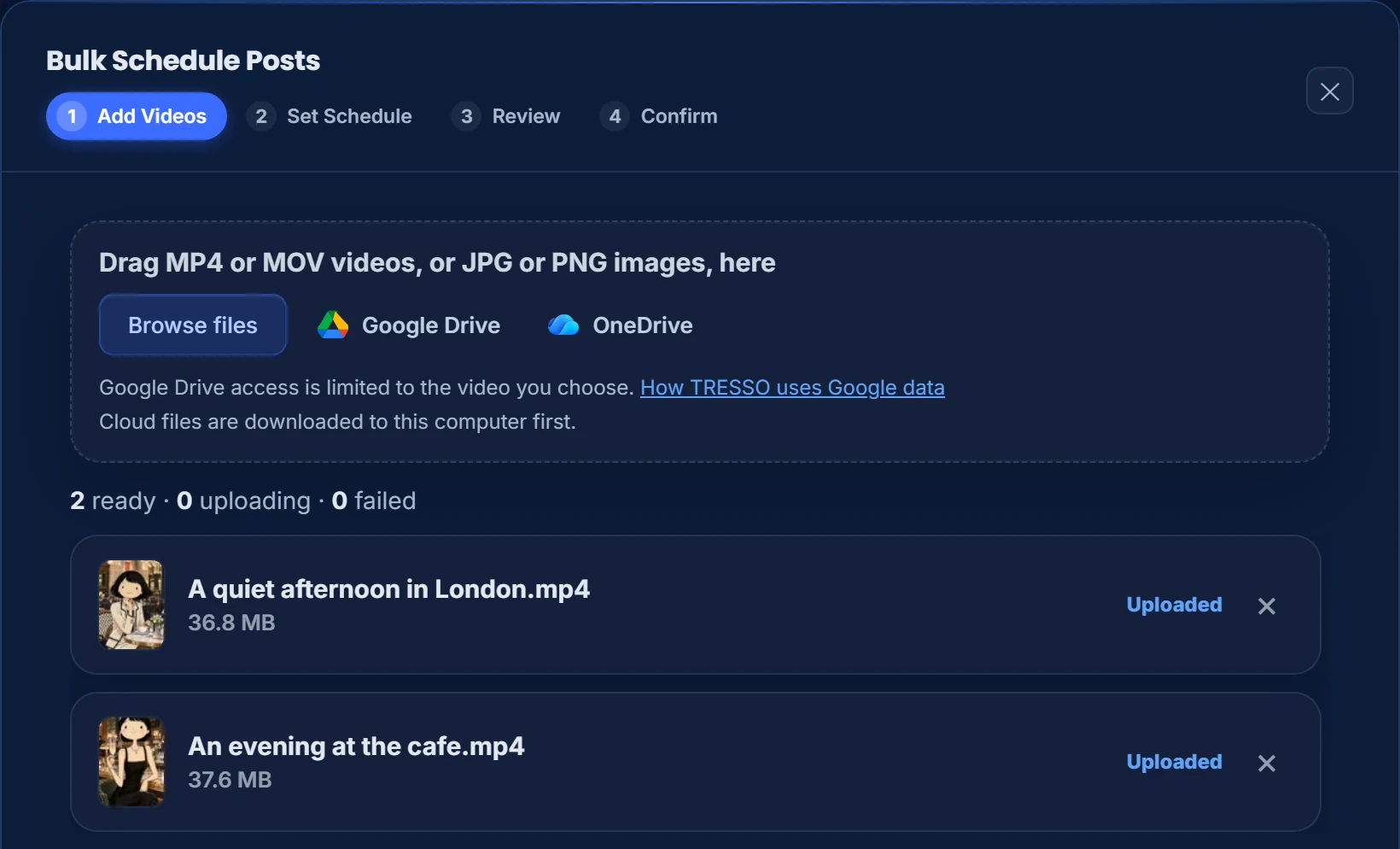
Add MP4 or MOV files, apply saved captions and posting times, then review your batch.
Drag in videos or browse files.
Select videos from your Drive.
Sign in and select videos.
Add up to 200 videos to one Bulk Schedule batch.
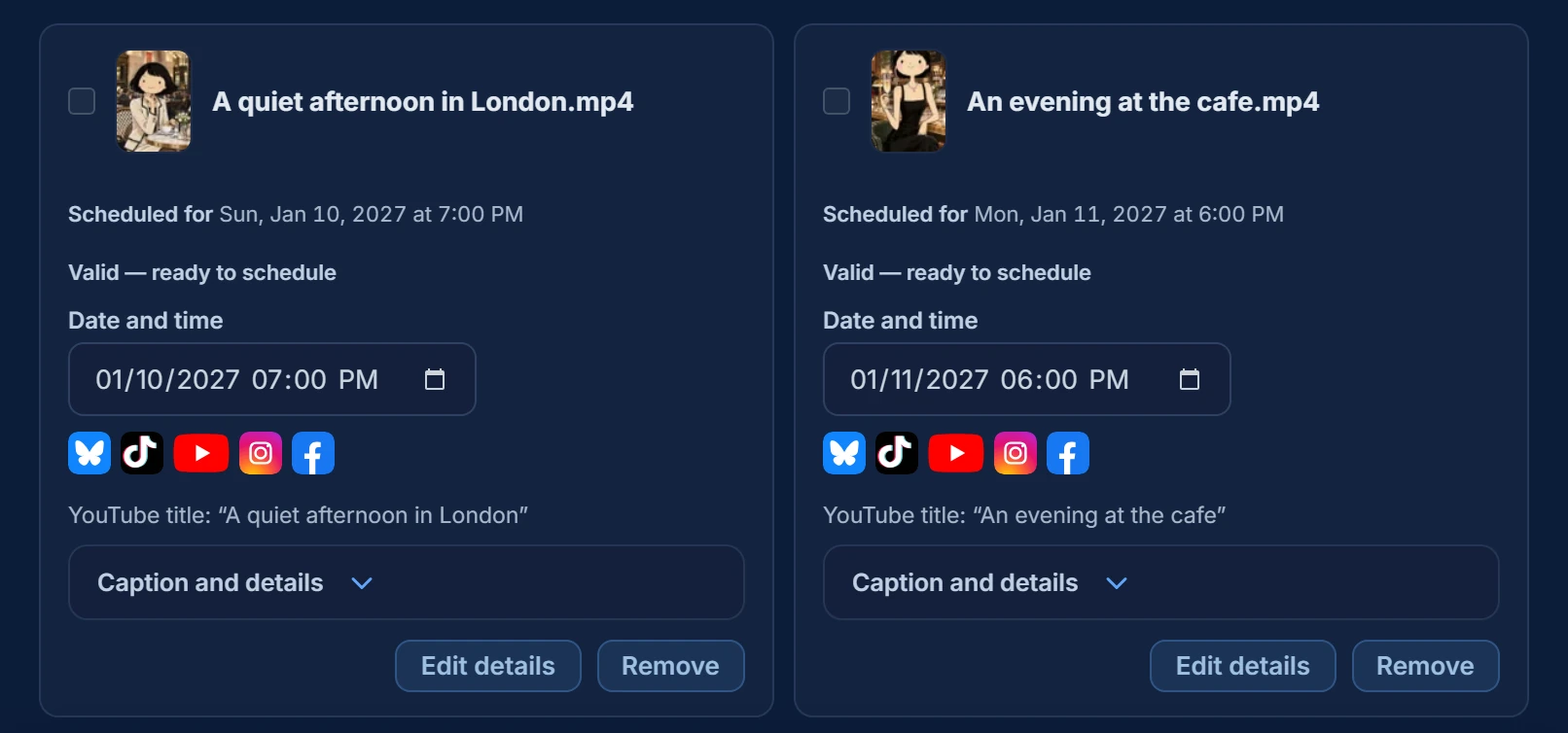
Use a saved caption and a saved posting schedule for the whole batch.
Check each video’s account, date, time and platform-specific details. Change any one video without starting over.
Make a batch in Canva. Export the finished videos. Schedule them together in TRESSO.
| Platform | Video | Single image | Carousel |
|---|---|---|---|
| Yes | Yes | Yes, 2–20 photos or videos | |
| Facebook Pages | Yes | Yes | Yes, 2–10 photos |
| TikTok | Yes | No | No |
| YouTube | Yes | No | No |
| Yes | Yes | Yes, 2–5 images | |
| Bluesky | Yes | Yes | Yes, 2–4 images |
| Threads | Yes | Yes | Yes, 2–20 photos or videos |
TikTok photo posts and YouTube image posts are not available. Watched folders still import MP4 and MOV video files only.
Once the Queue shows “On TRESSO server,” that post can publish while your computer is off — including eligible videos, single images for Instagram, Threads, Facebook, Pinterest and Bluesky, and carousels for Instagram, Threads, Facebook, Pinterest and Bluesky (Pinterest multi-image Pins, 2–5 images). Keep TRESSO running while a post still says Publishes from this computer or Uploading to TRESSO server.
A carousel sent to one account counts as one publication, regardless of how many items it contains.
Choose a folder on your computer. While TRESSO is running, new MP4 and MOV files saved there appear in your Queue as unscheduled drafts. Review each video, then schedule it or select Post Now. Importing does not publish anything.
Set up a watched folderReview upcoming posts, scheduled times and selected accounts.
Check each account’s result and open the published post where a link is available.
See what failed and why. Retry the affected account without repeating successful posts.
Keep published captions, hashtags, results and available live links for reference and reuse.
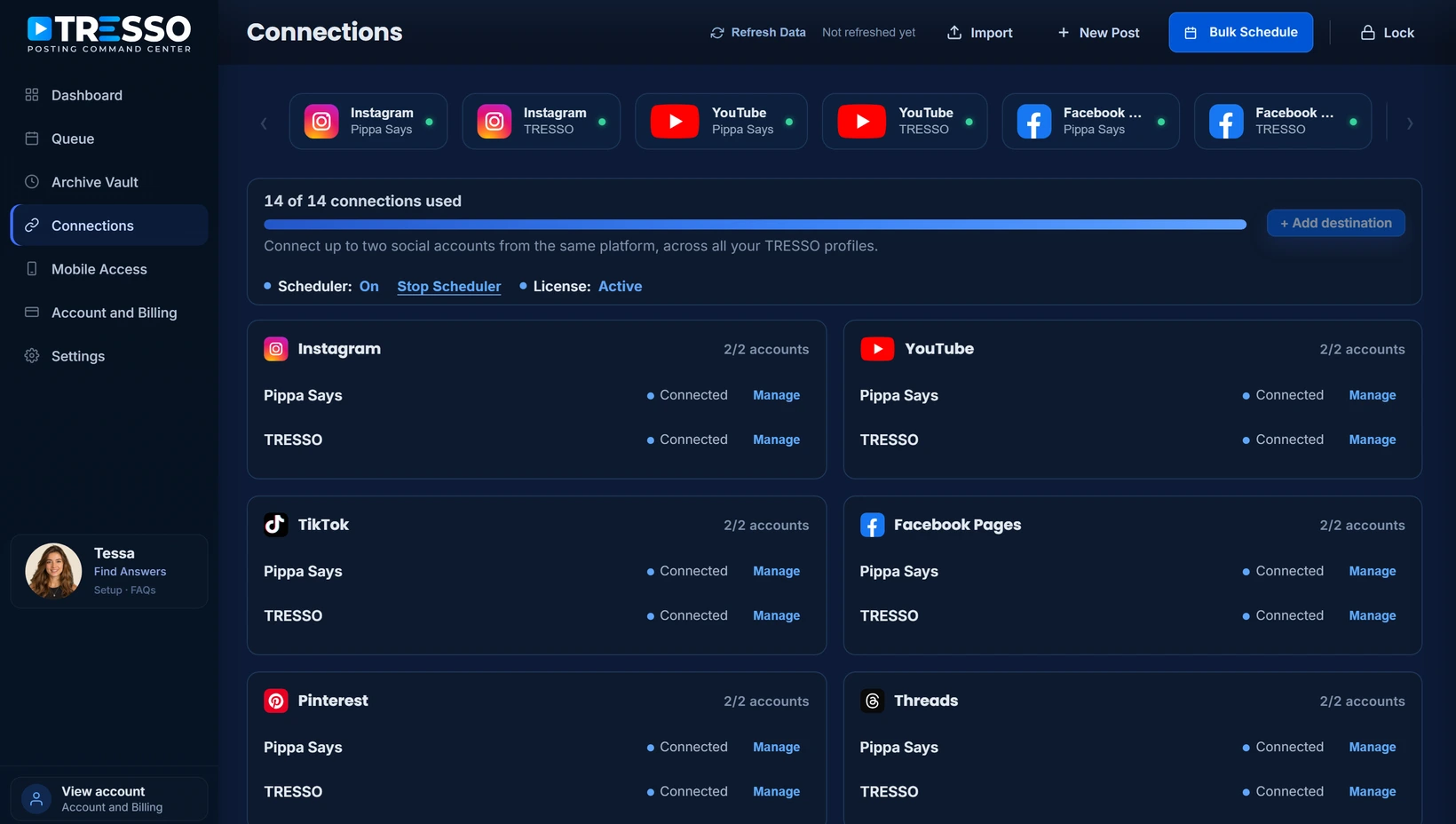
Connect your accounts securely from one desktop workspace.
Performance
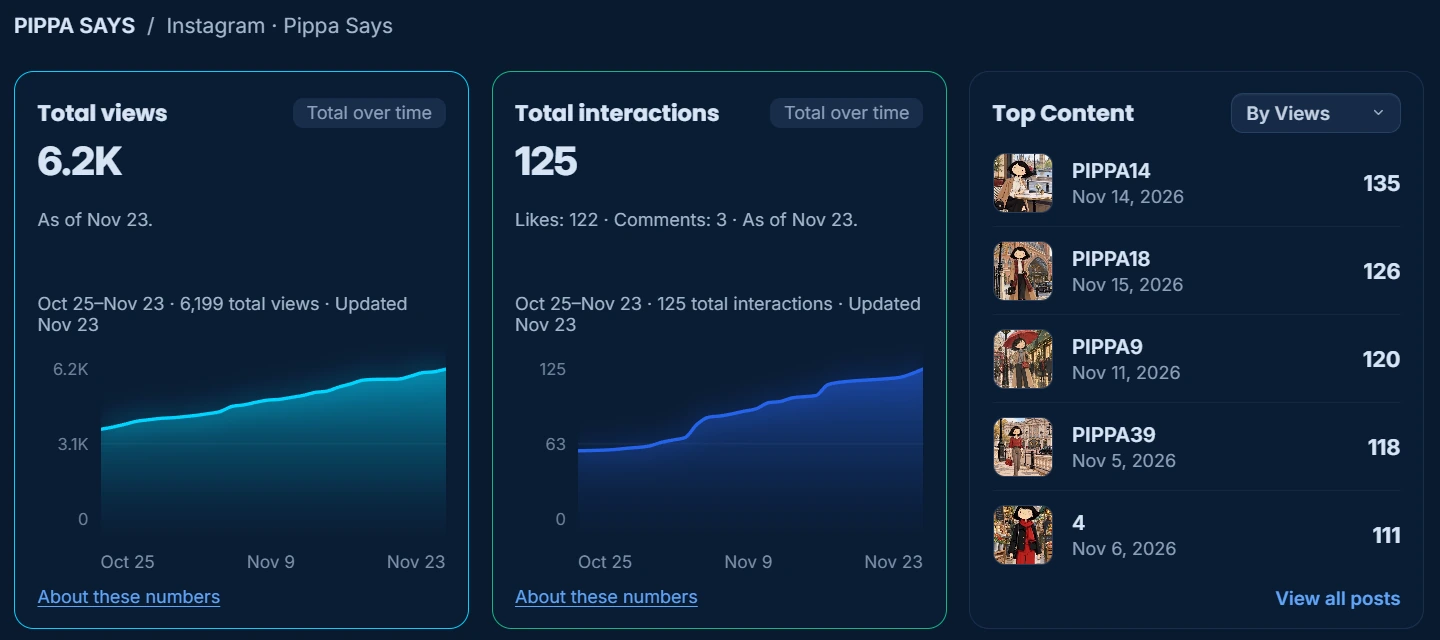
Track views and engagement across your connected accounts.
Metrics vary by platform. Unavailable numbers aren’t shown as zero. TRESSO keeps each platform’s meaning for views and engagements — it does not invent missing figures.
Check your posting activity from your mobile or a connected assistant.
Check upcoming posts, recent results and accounts that need attention, and fix a failed post, from your mobile.
Explore Mobile AccessAsk about your queue and results, and make supported changes. Some changes wait for your approval in TRESSO.
Connect ClaudeAsk about your queue and results through your connected ChatGPT account.
Connect ChatGPTTRESSO runs on your computer. Actions requiring approval wait for you to approve them in TRESSO.
Original videos stay on your computer. TRESSO uploads copies for publishing when needed. An optional PIN locks access to the app while scheduled publishing continues.
Start your free trial and build your first posting queue in minutes.